Antminer Z15 Pro Hosting: What You Need to Know Before You Deploy
If you own a Bitmain Antminer Z15 Pro or you’re close to pulling the trigger on one, you’ve already done your homework on the hardware. What comes next is the question most people underestimate: where does it actually run? Running a Z15 Pro from home is technically possible. In practice, it’s rarely the right call.
This guide walks through what makes the Z15 Pro a powerful piece of Equihash infrastructure, why hosting makes sense for most operators, and what to genuinely look for in a facility before you sign anything.
What is the Antminer Z15 Pro?
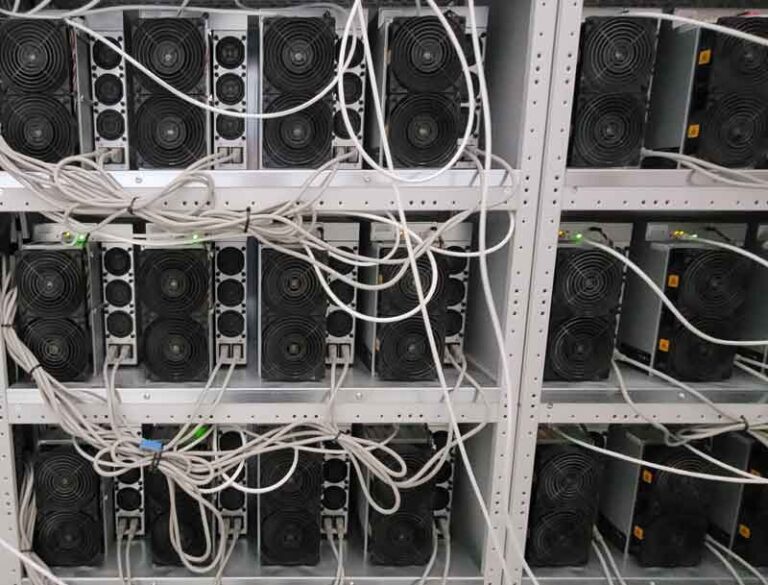
The Bitmain Antminer Z15 Pro is a dedicated ASIC miner built for the Equihash algorithm, targeting primarily Zcash (ZEC) and Horizen (ZEN). It was released in June 2023 and remains one of the most capable Equihash machines available today.
The Z15 pro’s key specs at a glance:
The Z15 Pro delivers roughly double the hashrate of its predecessor, the original Z15 (420 KSol/s), while maintaining a competitive efficiency rating. For anyone running a serious Equihash operation, the step up in throughput is meaningful.
That said, the machine’s power requirements: 2,780W at the wall, requiring a 200–240V environment and its 75 dB noise level make it a poor fit for residential spaces. This is the kind of hardware that needs a proper facility.
What can be the problem of running the Antminer Z15 pro at home?
It’s worth being honest about why home mining with the Z15 Pro rarely works out well.
-
Power infrastructure
Most residential setups in Europe and North America run on 110–120V standard sockets. The Z15 Pro requires 200–240V, meaning you'd need dedicated electrical work from the outset. That's a cost and a permitting process before your machine even turns on. -
Electricity rates
Residential electricity is typically priced at retail rates — often $0.12–$0.20+ per kWh depending on your region. At those rates, the energy cost of running a 2,780W machine around the clock becomes a significant ongoing expense that directly affects what you keep from your mining activity. -
Heat and noise
The Z15 Pro runs hot and loud. At ~75 dB, it sits roughly at the level of a running vacuum cleaner — not something most living or working environments tolerate well for extended periods. Without proper airflow management, heat becomes a hardware health issue. -
Uptime
A machine that goes offline because of a power flicker, a tripped breaker, or a warm room doesn't mine. Home setups rarely have the redundancy to keep equipment reliably online 24/7.
Hosting of Antminer z15 pro
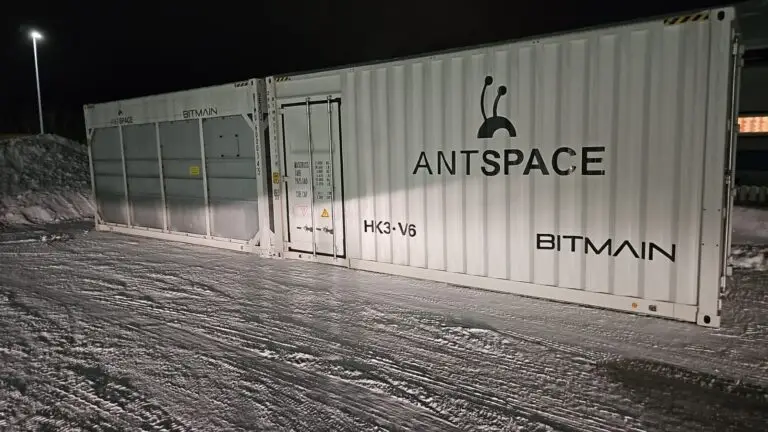
Hosting sometimes called colocation, means your Z15 Pro operates inside a professional mining facility rather than on your own premises. You retain ownership of the hardware. The facility provides the infrastructure: power, cooling, connectivity, physical security, and ongoing maintenance.
There are typically two ways this works in practice:
Bring Your Own Miner (BYOM): You already own the hardware. You ship it to the facility, they install and configure it, and it runs within their infrastructure. Your mining rewards go directly to your wallet.
Buy and Host: You purchase the hardware through or alongside the hosting provider, who deploys it immediately. This is a turnkey option that removes the logistics of shipping and setup.
Both models give you the same core outcome: your equipment runs in an environment that’s designed for it, without you needing to manage the facility yourself.
What to Look for in a Hosting Facility for the Z15 Pro
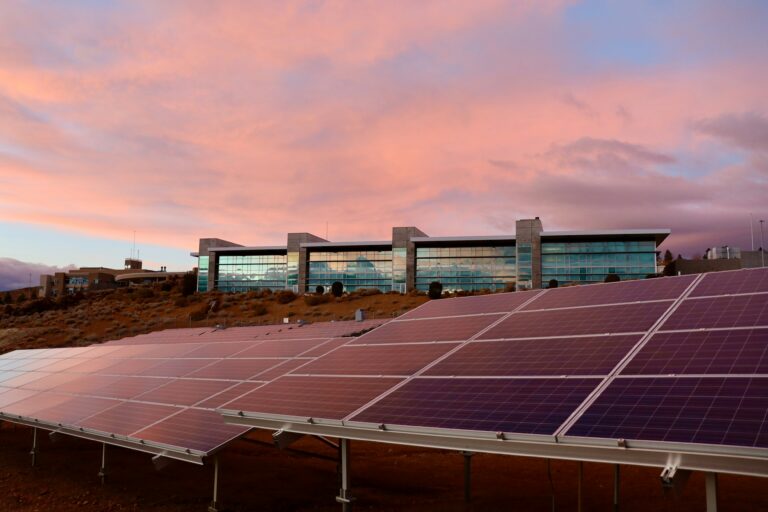
Not all hosting services are equal. Given the Z15 Pro’s specific requirements, 2,780W draw, 200–240V power, need for strong ventilation here’s what actually matters when evaluating providers.
Power Rates and Transparency
The Z15 Pro consumes approximately 2.78 kW. Running continuously, that’s around 67 kWh per day, or roughly 2,000 kWh per month. The difference between a hosting facility offering $0.06/kWh and one offering $0.10/kWh is meaningful when applied to those numbers monthly, across one or multiple machines.
Ask for all-in pricing. Some providers list a headline electricity rate but add rack space fees, setup fees, or management charges separately. Reputable providers are clear upfront about the full cost structure.
Cooling Infrastructure
The Z15 Pro’s operating temperature range is 0°C–40°C. A facility that maintains stable, controlled temperatures within that range protects your hardware and keeps it performing consistently. Look for facilities with industrial air cooling systems at minimum, and ask how they handle high-density heat loads.
Uptime Standards
Downtime is direct operational loss. Professional hosting facilities typically target 99% uptime or better — some reputable operations publish 99.9%+ figures backed by redundant power supplies, backup generators, and failover systems. Ask any prospective provider what their uptime history looks like and how downtime incidents are communicated and compensated.
Physical and Digital Security
Your hardware has real value. Facilities should have physical access controls, surveillance, and secure perimeter management as a baseline. On the network side, your machine’s connection to your mining pool and wallet should be reliably managed and monitored.
Monitoring and Reporting
A good hosting service gives you visibility. You should be able to see your machine’s hashrate, temperature, power draw, and status — ideally through a real-time dashboard. Remote monitoring means you’re never flying blind on how your hardware is performing.
Geographic Location and Legal Environment
Where a facility is located matters more than it might seem. Countries with stable regulatory frameworks, reliable grid infrastructure, and access to lower-cost or renewable energy tend to offer better long-term operational security. Facilities in the US, Canada, Iceland, Norway, Sweden, and Finland are often cited for their combination of legal clarity and energy access.
Facilities in jurisdictions with unpredictable regulatory environments carry additional risk — including the possibility of equipment being inaccessible or confiscated in adverse scenarios.
Contract Terms and Exit Conditions
Before committing, understand the contract length, what happens at the end of the term, and under what circumstances you can retrieve your equipment. Clear SLAs (Service Level Agreements) that define fee structures and exit clauses are a sign of a professional operation.
Minimum Order Quantities
Some hosting providers only work with operators deploying large fleets. Others accept a single machine. If you’re starting with one or a small number of Z15 Pros, confirm the facility’s minimum order requirements before going further. At hamus hosting you can start deployment with just 1 miners.
The Z15 Pro vs. the Original Z15: Does the Upgrade Justify Hosting?
If you’re deciding between the Z15 and the Z15 Pro, the core difference is straightforward: the Pro delivers approximately double the hashrate (840 KSol/s vs. 420 KSol/s) and roughly double the power draw (2,780W vs. 1,510W), at a modestly improved efficiency rating (3.31 J/KSol vs. 3.6 J/KSol).
For home operators, the original Z15’s lower power draw and quieter operation make it more manageable. For anyone using a hosting facility, where power infrastructure is handled for you the Z15 Pro’s higher throughput typically makes more operational sense, provided the hosting rate is competitive enough to support it.
The calculation changes with your electricity rate. At $0.07/kWh or below, the Z15 Pro’s efficiency advantage compounds. As rates climb toward $0.12/kWh and beyond, the math tightens considerably, which is part of why competitive hosting rates matter so much to operators running this hardware.
How Hosting Fees Are Actually Calculated? A Real-World Example
Most conversations about hosting start with one number: the kWh rate. That’s the right instinct, electricity is the dominant variable but experienced operators know it’s only part of the picture. Setup fees, rack fees, contract length, and which pricing model you choose all shape your real monthly cost. Understanding how those pieces fit together before you ship is the difference between a hosting arrangement that genuinely works and one that quietly eats into what you keep.
Here’s how the math looks in practice, using the Z15 Pro’s 2,780W draw as the baseline:
The formula:
Machine wattage (kW) × kWh rate × 24 hours × 30.5 days = monthly electricity cost
For the Z15 Pro:
2.78 kW × kWh rate × 24h × 30.5 days
At a rate of €0.059/kWh (ultra low plan, typical for European professional hosting), that works out to roughly €121/month in electricity, before any rack space fee. Add a typical €25/month rack space charge and the all-in monthly hosting cost for a single Z15 Pro sits around €146/month, before any one-time setup fees associated with lower-rate plans.
At a higher all-in rate of €0.087/kWh with no setup fee, the same machine costs roughly €179/month, more per month, but zero friction to get started.
This illustrates the core trade-off that reputable hosting providers make explicit: lower ongoing rates often require a setup fee paid upfront, while higher all-in rates offer simplicity with no upfront cost. For a single machine on a one-year contract, the difference is meaningful. For a fleet of ten or more on a multi-year term, the compounding is significant.
Questions Worth Asking Any Hosting Provider
Before committing, here’s a practical list of questions to put to any facility:
- What is your all-in rate per kWh, including rack space and any management fees?
- What is your documented uptime record?
- Do you support the Z15 Pro specifically, and what power infrastructure do you use?
- How is my hardware monitored, and what reporting do I receive?
- What is your process when a machine goes offline or has a hardware issue?
- What is the contract length, and what are the exit terms?
- Where are your facilities located, and what redundancy do you have in place?
- What is your minimum order quantity?
Common Questions About Antminer Z15 Pro Hosting
Do I keep ownership of my machine?
Yes. Under colocation or BYOM arrangements, the hardware remains yours. You ship it, the facility hosts it, and you can retrieve it when your contract ends.
What pool do I point the Z15 Pro to?
That’s your choice. Hosting providers connect your machine to their network infrastructure, but which Zcash or Equihash mining pool you use is typically your decision. Common pools for ZEC include ViaBTC, F2Pool, and 2Miners, among others.
What if my machine has a fault?
Reputable facilities have on-site technical teams that handle day-to-day troubleshooting and maintenance. For hardware faults under warranty, the process depends on whether you’re using the manufacturer warranty or an extended warranty offered by the hosting provider. Clarify this before deployment.
Can I host just one machine?
Some providers accept a single unit; others require minimum quantities. It’s worth asking directly. Several established facilities explicitly accommodate single-machine operators.
How do I ship my Z15 Pro to a facility?
The Z15 Pro weighs approximately 9 kg. Ship in original packaging where possible, with insurance. Some providers offer logistics coordination as part of their service.
Get in touch with our team, we’re here to help you work through the specifics.
Do you Have questions about our hosting setup make sense for your Antminer Z15 Pro?
Get in touch with our team, we’re here to help you work through the specifics.
Start mining today!
We’ve simplified the process to make mining crypto easier than ever. Fill in your details in the form and we will contact you shortly!